Save Zotero annotations as Markdown notes
Export a Zotero library with mdbase Reader’s experimental exporter. Import the bundle to get one Markdown record per annotation alongside the original PDF.Zotero stores annotations made in its PDF reader in its database. Copying the PDF alone leaves those annotations behind. The mdbase Reader exporter brings the original file, the quotes and your comments across together. How Zotero stores annotations
You need Zotero 10.0.x with a signed-in account, a browser that can select a whole folder (such as Chrome) and an mdbase collection. Try this experimental import with a new collection first. To read the results in Obsidian, use a synced folder as the destination.
1. Install the exporter
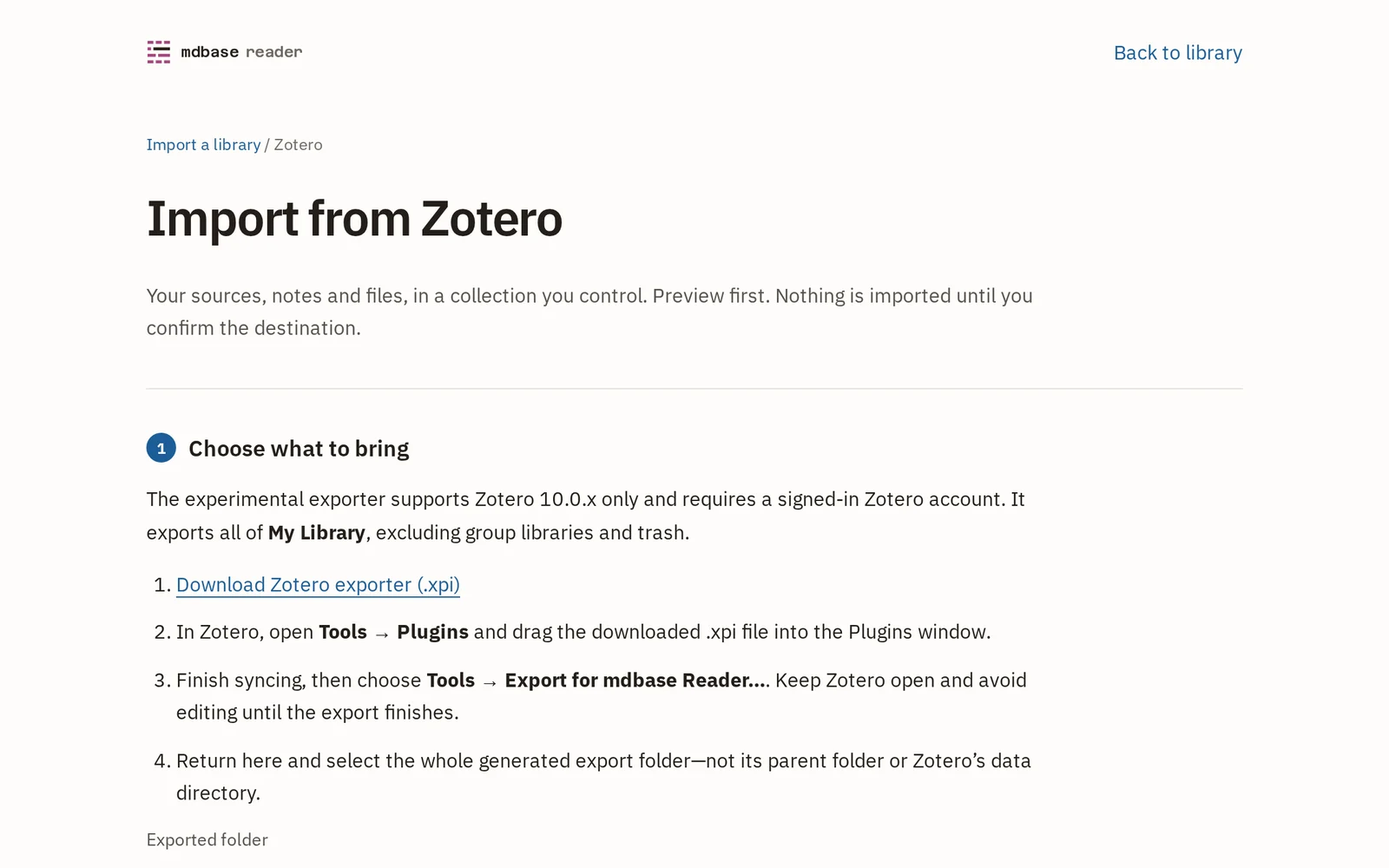
On Reader’s Zotero import page, download the exporter ending in .xpi. In Zotero, open Tools → Plugins. Drag the XPI into that window or use the gear menu’s Install Plugin From File… option.
2. Export My Library
Finish syncing Zotero. Choose Tools → Export for mdbase Reader…. Select a parent folder outside Zotero’s data directory. Review the counts and missing-file warnings, then choose Export library. Leave Zotero open and avoid editing until the export finishes.
The exporter includes all of My Library except trash. It skips group libraries. It cannot export just one selected collection. Show folder reveals the new child folder. Keep it private: it contains your library metadata, notes and attachments.
3. Select the finished bundle in Reader
Return to the import page and select the whole generated child folder. Its top level contains manifest.json. Reader checks the payload checksums before writing to your collection. If the export was cancelled, run the exporter again and choose the new completed bundle.
4. Confirm the destination
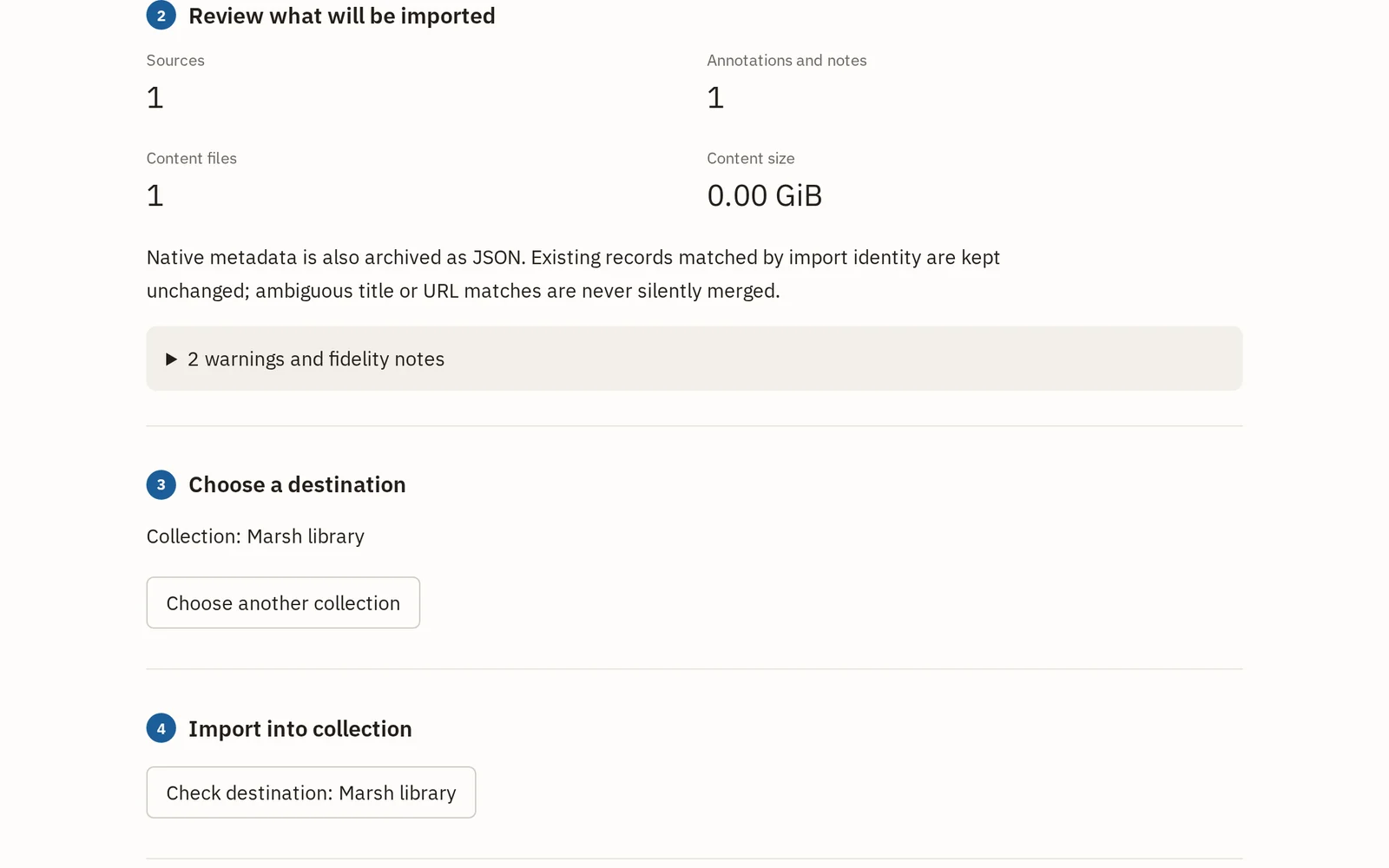
Choose your mdbase collection. If Reader asks for its types, review them and choose Apply reviewed setup. Choose Check destination, review how many records already exist, then choose Import on the button naming the destination. Leave the tab open until Reader finishes verification.
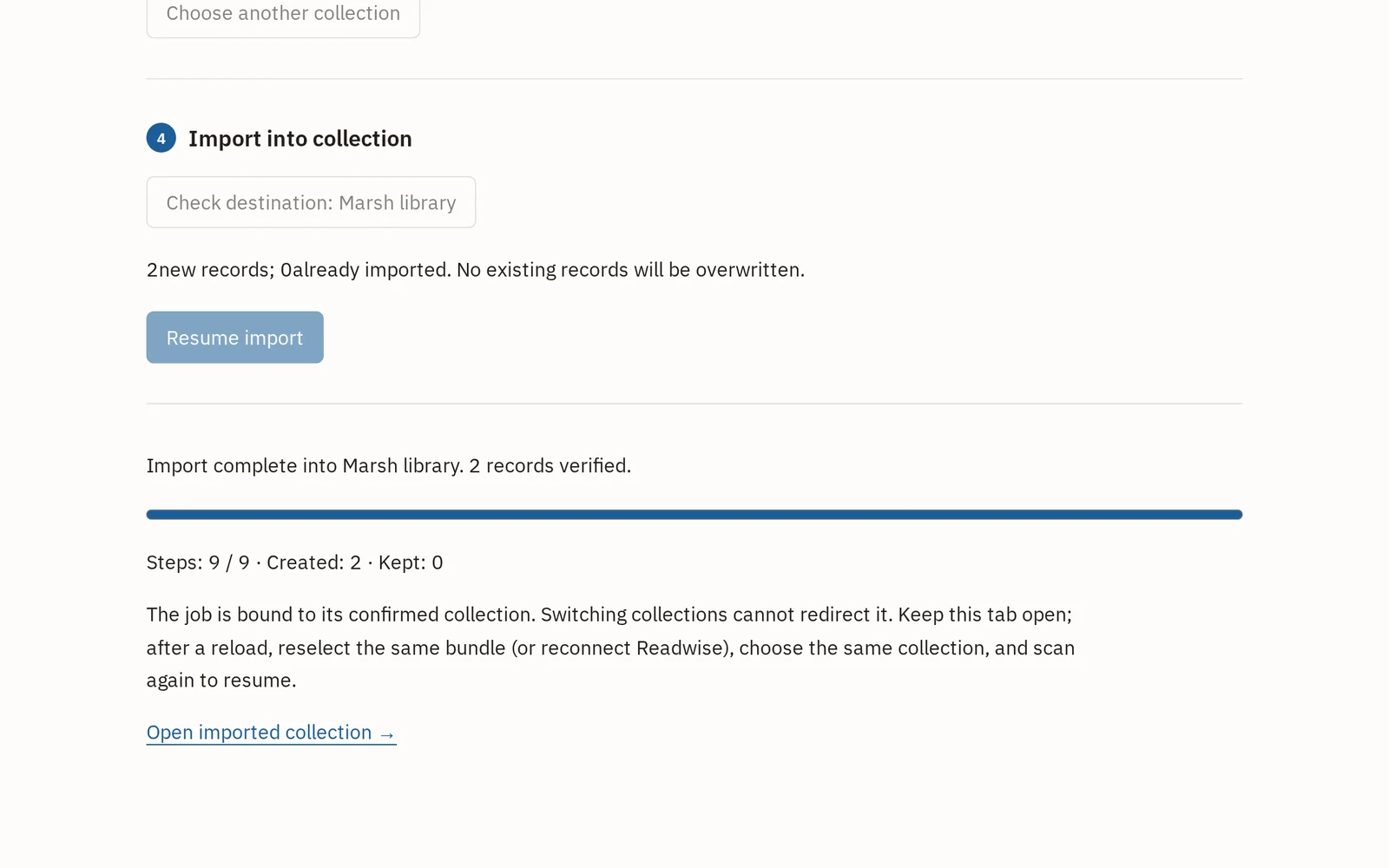
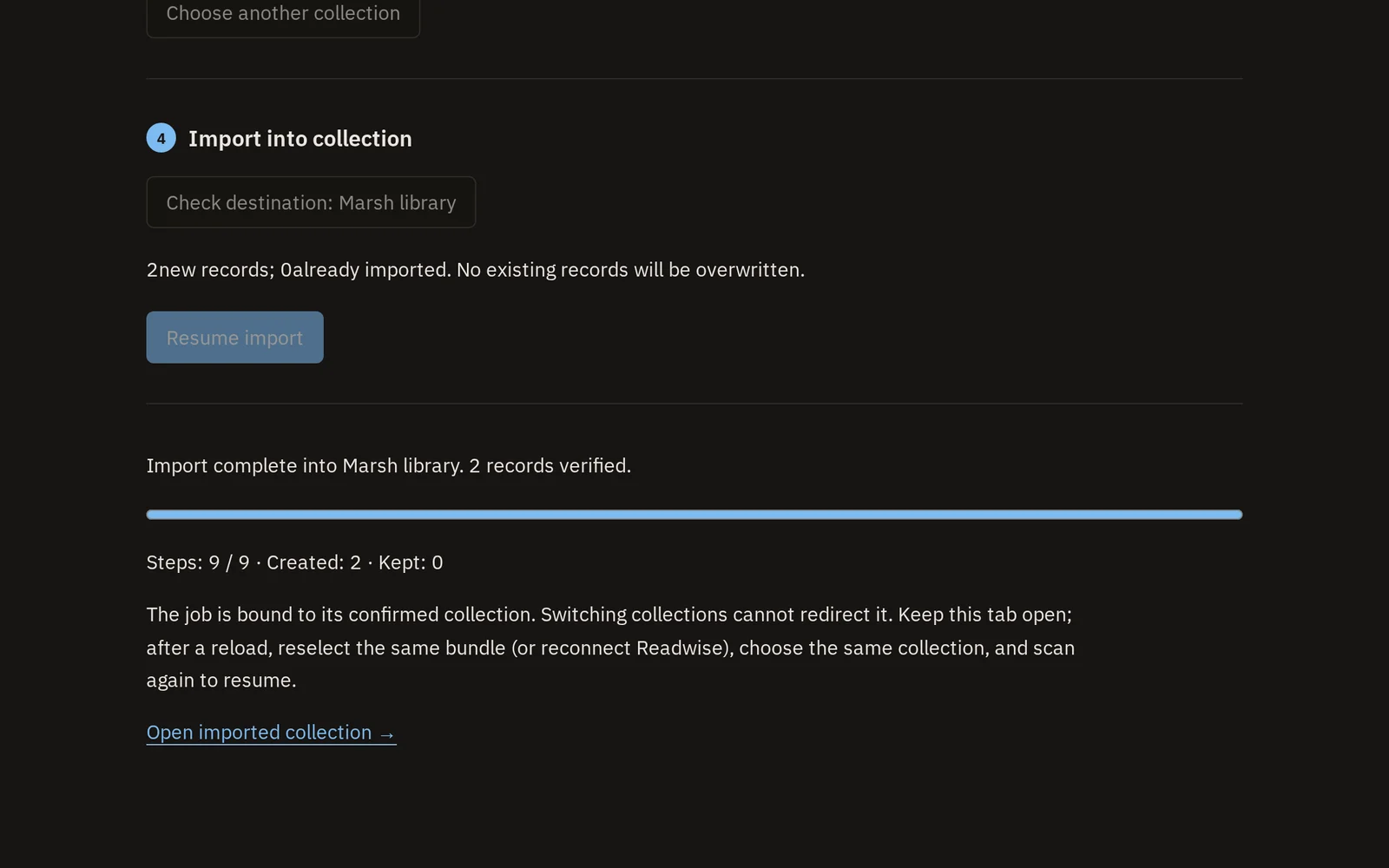
Check the record counts before importing into Marsh library. Silent recording with on-screen captions and sample data.
Text description of the recording
- Reader shows a preview of the sample library.
- Check destination counts new and previously imported records.
- The import button names Marsh library. Selecting it confirms the job.
- Reader verifies the created records and offers to open the imported collection.
5. Read the annotation on disk
Open the synced folder. Under annotations/imports/, each annotation has a source link, its quoted passage and your comment. In this example, the PDF page and rectangle identify where the highlight belongs. The PDF stays under files/reader/imports/.
---
annotation_type: highlight
color: "#ffd400"
created_at: "2026-03-14T09:00:00.000Z"
created_by: zotero
document:
  file: "[[files/reader/imports/zotero_a5804395c8e7552b4cf67a738317c9cb/files/AN8H7C6W/east-bank.pdf]]"
  file_id: "01a20c58-b0aa-742e-8f06-06b9c24c7ba5"
  revision: sha256:d8d3916ccdd1bcc4d61d61bdcf5a4a40ed0a58d056339b235230af2988793029
id: ann_628275aea0ca6dbafb6c43e1b41fb128
import:
  key: BH87Q4JZ
  namespace: zotero:user:18471
  native:
    annotationColor: "#ffd400"
    annotationComment: Compare with the unplanted bank.
    annotationPageLabel: "1"
    annotationPosition: "{\"pageIndex\":0,\"rects\":[[72,648,312,662]]}"
    annotationText: Reeds collect fine sediment along the bank.
    annotationType: highlight
    key: BH87Q4JZ
    parentItem: AN8H7C6W
  service: zotero
locator:
  label: "1"
source: "[[src_07f93bfdd5cc6dd96ac09f4febca3777]]"
tags: []
target:
  pdf:
    coordinate_space:
      box: crop
      origin: top_left
      profile: embedpdf-selection-page-points-v1
    page_index: 0
    quad_points:
      -
        - 72
        - 130
        - 312
        - 130
        - 72
        - 144
        - 312
        - 144
  quote:
    exact: Reeds collect fine sediment along the bank.
  zotero:
    position: "{\"pageIndex\":0,\"rects\":[[72,648,312,662]]}"
    profile: zotero-annotation-position-v1
type: reader-annotation
---
> Reeds collect fine sediment along the bank.

Compare with the unplanted bank.
If a position cannot be converted for Reader’s viewer, Reader keeps Zotero’s position data. Check the import warnings before relying on jump-to-highlight links. For working with the imported text, see Reader’s annotation guide. For highlights from an e-reader, use the Readwise import.
This page is the file content/guides/zotero-annotations.md, a record in the
site’s documentation collection.
Its frontmatter follows the doc-page type.
---
title: Save Zotero annotations as Markdown notes
description: Export a Zotero library with mdbase Reader’s experimental exporter. Import the bundle to get one Markdown record per annotation alongside the original PDF.
section: guides
---
Zotero stores annotations made in its PDF reader in its database. Copying the PDF alone leaves those annotations behind. The mdbase Reader exporter brings the original file, the quotes and your comments across together. [How Zotero stores annotations](https://www.zotero.org/support/pdf_reader)
You need Zotero **10.0.x** with a signed-in account, a browser that can select a whole folder (such as Chrome) and an mdbase collection. Try this experimental import with a new collection first. To read the results in Obsidian, use a [synced folder](/guides/obsidian-browser/) as the destination.
## 1. Install the exporter
On [Reader’s Zotero import page](https://reader.mdbase.dev/import/zotero), download the exporter ending in `.xpi`. In Zotero, open **Tools → Plugins**. Drag the XPI into that window or use the gear menu’s **Install Plugin From File…** option.

## 2. Export My Library
Finish syncing Zotero. Choose **Tools → Export for mdbase Reader…**. Select a parent folder outside Zotero’s data directory. Review the counts and missing-file warnings, then choose **Export library**. Leave Zotero open and avoid editing until the export finishes.
The exporter includes all of **My Library** except trash. It skips group libraries. It cannot export just one selected collection. **Show folder** reveals the new child folder. Keep it private: it contains your library metadata, notes and attachments.
## 3. Select the finished bundle in Reader
Return to the import page and select the whole generated child folder. Its top level contains `manifest.json`. Reader checks the payload checksums before writing to your collection. If the export was cancelled, run the exporter again and choose the new completed bundle.

## 4. Confirm the destination
Choose your mdbase collection. If Reader asks for its types, review them and choose **Apply reviewed setup**. Choose **Check destination**, review how many records already exist, then choose **Import** on the button naming the destination. Leave the tab open until Reader finishes verification.


## 5. Read the annotation on disk
Open the synced folder. Under `annotations/imports/`, each annotation has a source link, its quoted passage and your comment. In this example, the PDF page and rectangle identify where the highlight belongs. The PDF stays under `files/reader/imports/`.
```markdown title="annotations/imports/ann_628275aea0ca6dbafb6c43e1b41fb128.md"
---
annotation_type: highlight
color: "#ffd400"
created_at: "2026-03-14T09:00:00.000Z"
created_by: zotero
document:
file: "[[files/reader/imports/zotero_a5804395c8e7552b4cf67a738317c9cb/files/AN8H7C6W/east-bank.pdf]]"
file_id: "01a20c58-b0aa-742e-8f06-06b9c24c7ba5"
revision: sha256:d8d3916ccdd1bcc4d61d61bdcf5a4a40ed0a58d056339b235230af2988793029
id: ann_628275aea0ca6dbafb6c43e1b41fb128
import:
key: BH87Q4JZ
namespace: zotero:user:18471
native:
annotationColor: "#ffd400"
annotationComment: Compare with the unplanted bank.
annotationPageLabel: "1"
annotationPosition: "{\"pageIndex\":0,\"rects\":[[72,648,312,662]]}"
annotationText: Reeds collect fine sediment along the bank.
annotationType: highlight
key: BH87Q4JZ
parentItem: AN8H7C6W
service: zotero
locator:
label: "1"
source: "[[src_07f93bfdd5cc6dd96ac09f4febca3777]]"
tags: []
target:
pdf:
coordinate_space:
box: crop
origin: top_left
profile: embedpdf-selection-page-points-v1
page_index: 0
quad_points:
-
- 72
- 130
- 312
- 130
- 72
- 144
- 312
- 144
quote:
exact: Reeds collect fine sediment along the bank.
zotero:
position: "{\"pageIndex\":0,\"rects\":[[72,648,312,662]]}"
profile: zotero-annotation-position-v1
type: reader-annotation
---
> Reeds collect fine sediment along the bank.
Compare with the unplanted bank.
```
If a position cannot be converted for Reader’s viewer, Reader keeps Zotero’s position data. Check the import warnings before relying on jump-to-highlight links. For working with the imported text, see [Reader’s annotation guide](/apps/reader/annotating/). For highlights from an e-reader, use the [Readwise import](/guides/readwise-markdown/).