Query YAML frontmatter from the command line
Use the mdbase CLI to filter Markdown files by a YAML property. Return paths, inspect a matching note or get structured JSON for a script.Run mdbase query --where 'status == "awaiting-count"' in a collection folder. It reads the YAML properties in your Markdown files and prints one matching path per line. You can do this locally without signing in.
1. Prepare two notes with different statuses
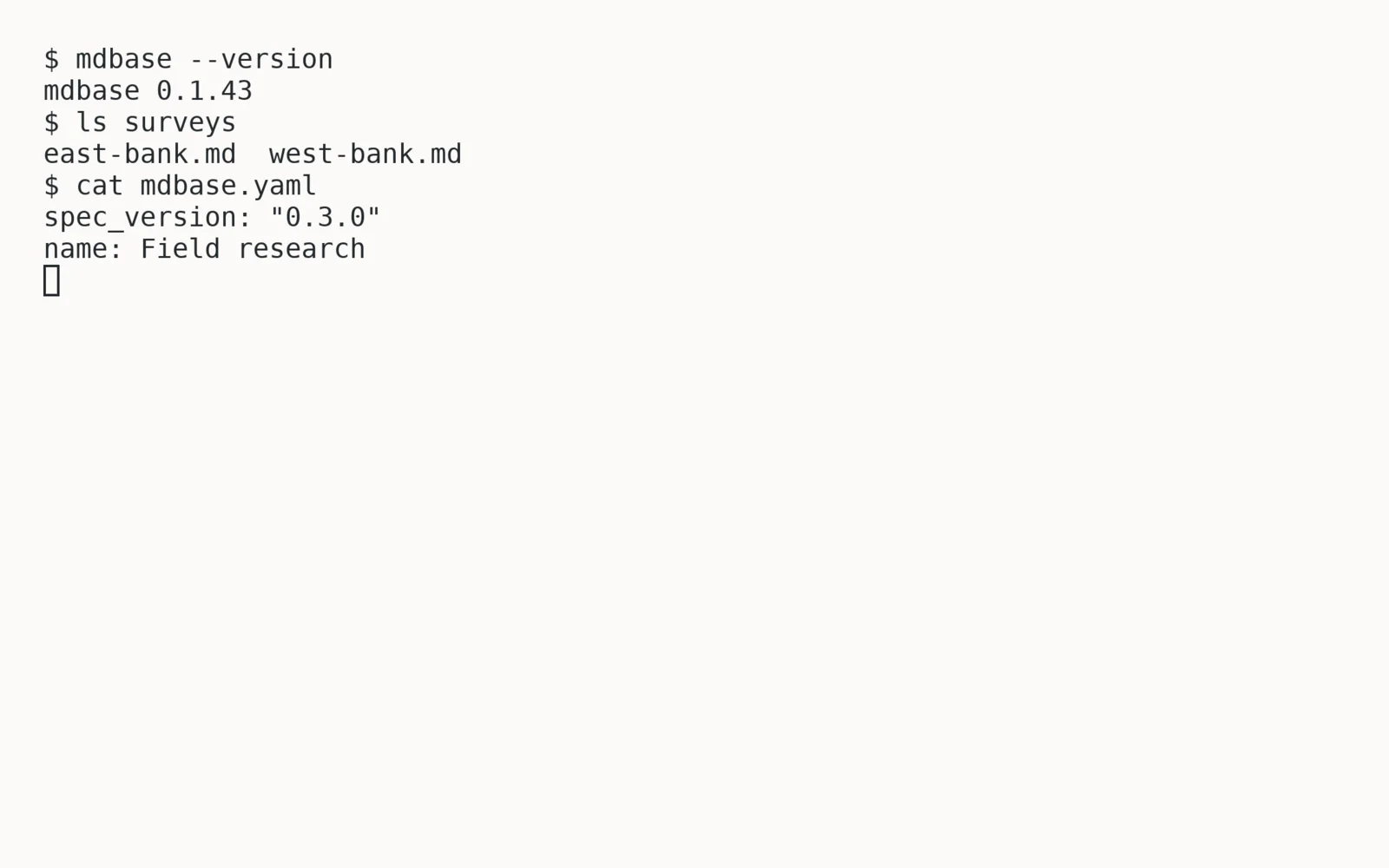
Download the mdbase command-line tool for your platform and put the executable on your path. In a new folder, save this configuration as mdbase.yaml. The examples below use a Bash-compatible shell.
spec_version: "0.3.0"
name: Field research
Create a subfolder named surveys. Save this first note there as east-bank.md. The dashes delimit the YAML, and the blank line separates it from the field instruction.
---
title: East bank survey
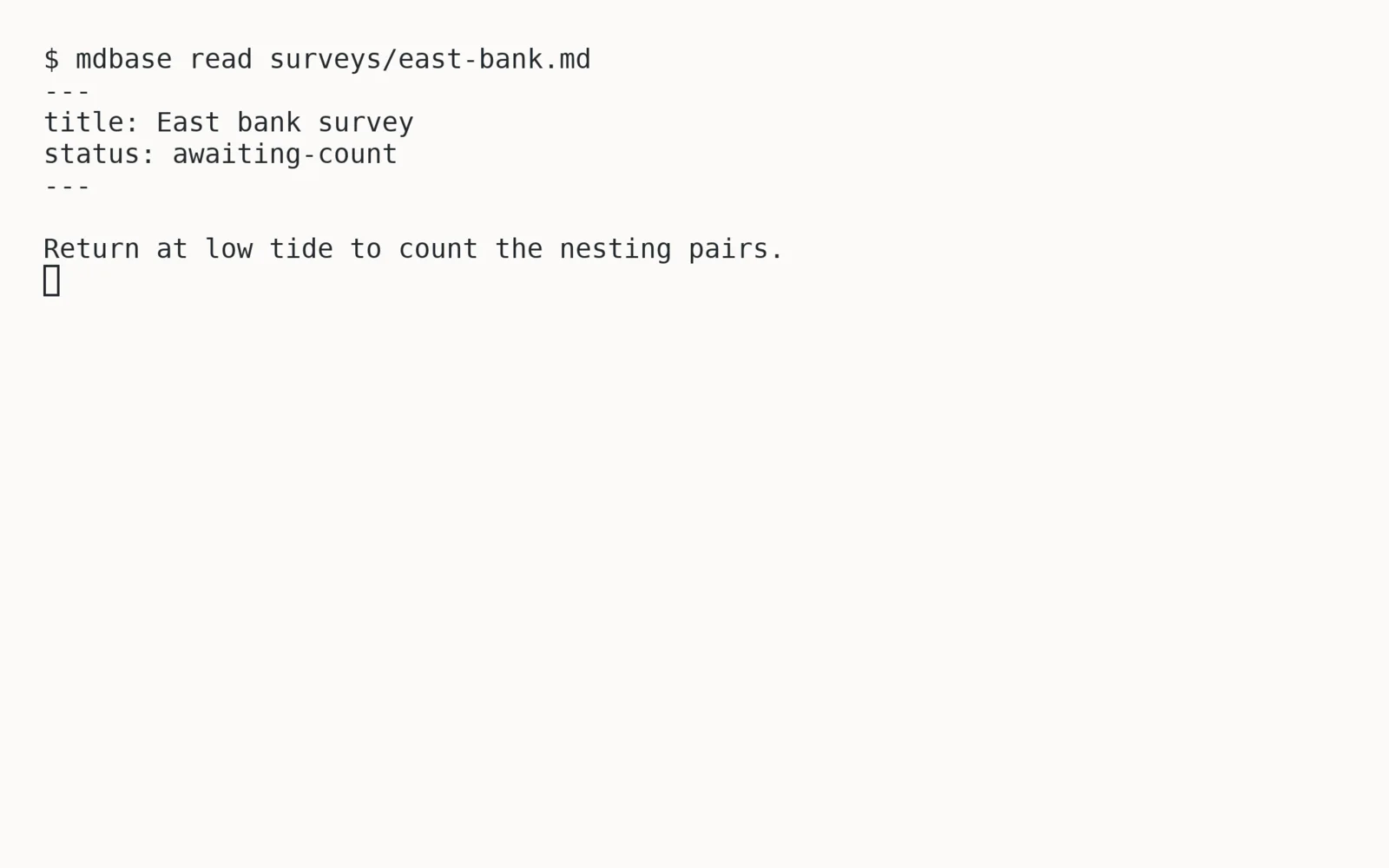
status: awaiting-count
---

Return at low tide to count the nesting pairs.
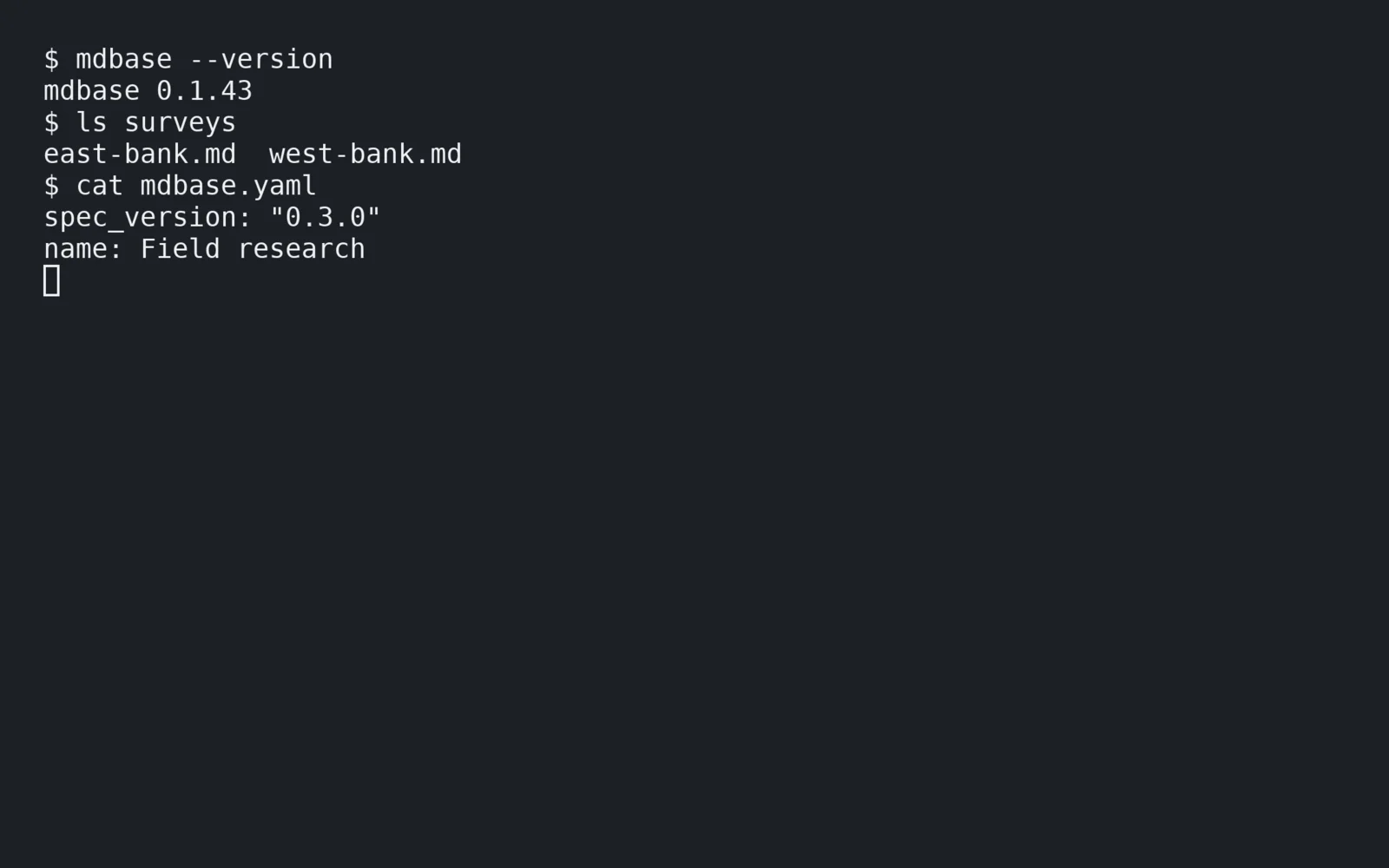
Save a second note as surveys/west-bank.md with the title West bank survey, status counted and body Counted three nesting pairs at high tide. Open a terminal in the folder containing mdbase.yaml. Run mdbase --version and ls surveys to check your setup.
2. Filter by a property
mdbase query --where 'status == "awaiting-count"'
mdbase query --where 'status == "counted"'
The first command prints surveys/east-bank.md. The second prints surveys/west-bank.md. The outer single quotes keep the shell from changing the expression. Inside the expression, double quotes mark a string value. A value that matches neither record produces no paths.
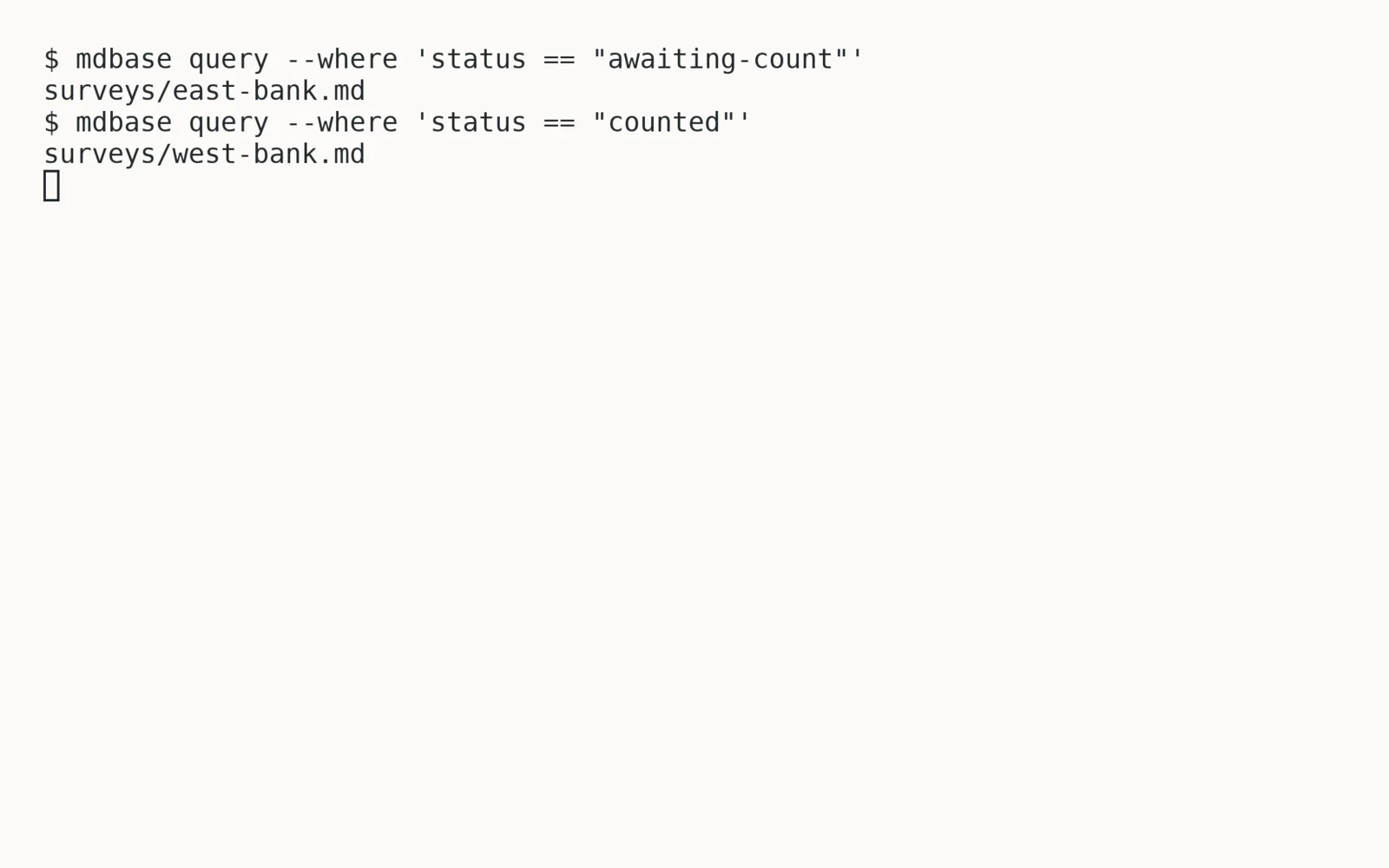
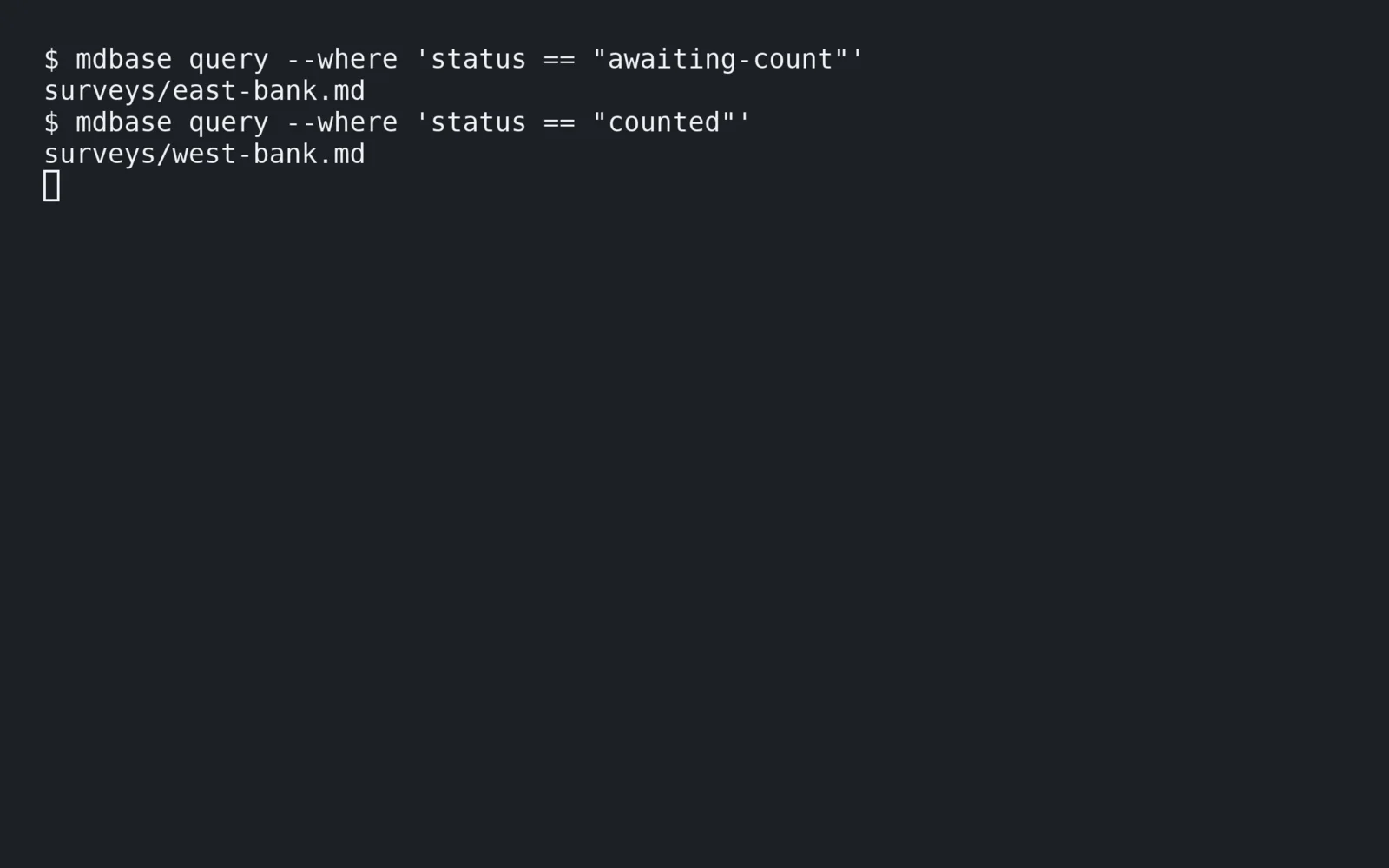
The CLI prints a different relative path for each status in the sample folder. Silent recording with on-screen captions and sample data.
Text description of the recording
- Run a query for awaiting-count.
- Read the returned path to the east bank note.
- Change the status to counted and run the query.
- Read the returned path to the west bank note.
3. Read a result or pass it to a script
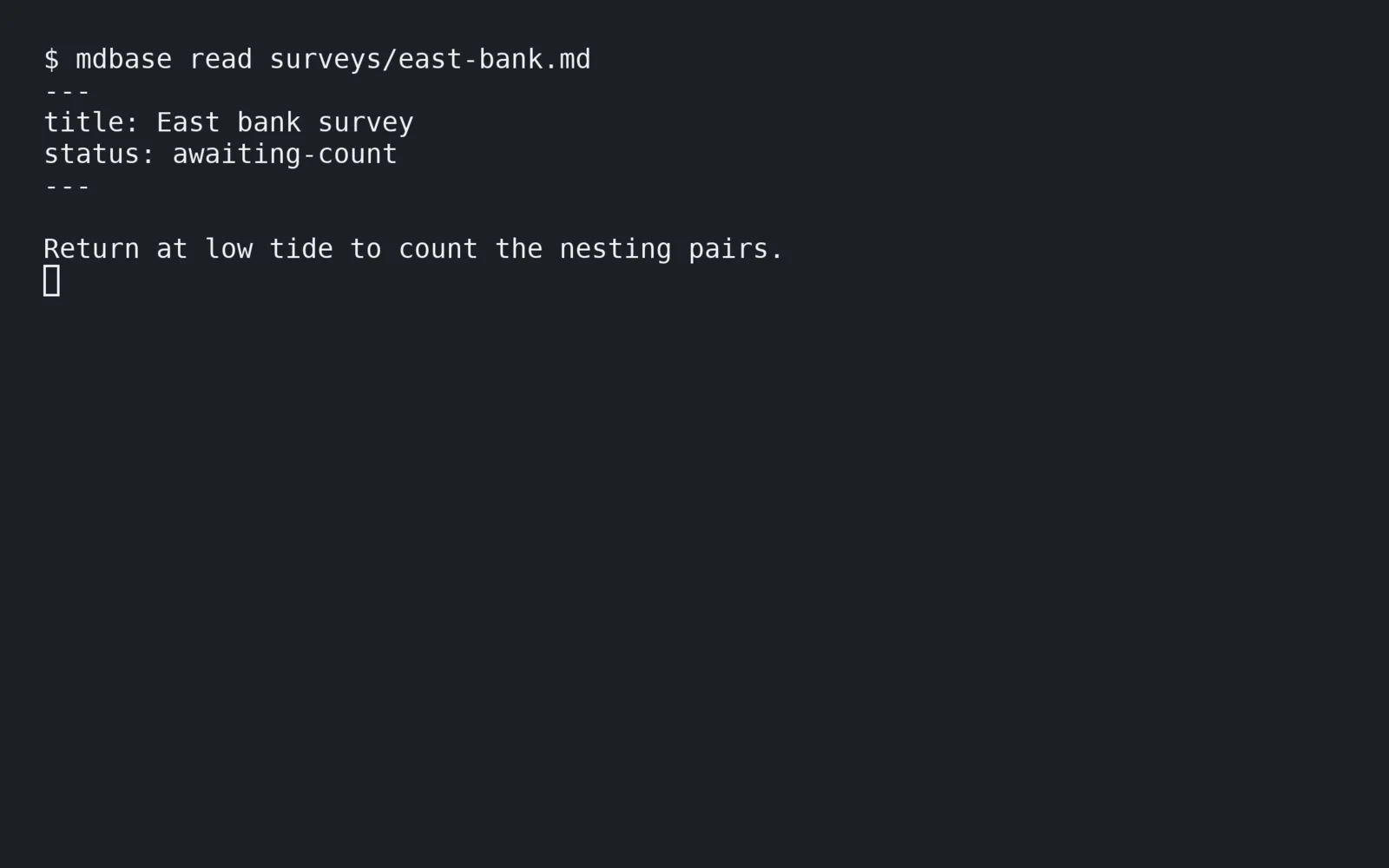
Run mdbase read surveys/east-bank.md to print the complete file. Querying a property looks at frontmatter. A word in the body, such as “tide,” does not become a value of status.
For machine-readable output, add --json. The result has a records array. Each entry includes its relative path and a frontmatter object. Add --include-body when you also need the prose.
mdbase query --where 'status == "counted"' --json --include-bodyFrom another working directory, put --root "/path/to/Field research" after query. To use the same fields in an application or AI client, see SDK queries and querying records through MCP.
This page is the file content/guides/query-frontmatter.md, a record in the
site’s documentation collection.
Its frontmatter follows the doc-page type.
---
title: Query YAML frontmatter from the command line
description: Use the mdbase CLI to filter Markdown files by a YAML property. Return paths, inspect a matching note or get structured JSON for a script.
section: guides
---
Run `mdbase query --where 'status == "awaiting-count"'` in a collection folder. It reads the YAML properties in your Markdown files and prints one matching path per line. You can do this locally without signing in.
## 1. Prepare two notes with different statuses
Download the [mdbase command-line tool](/downloads/#command-line) for your platform and put the executable on your path. In a new folder, save this configuration as `mdbase.yaml`. The examples below use a Bash-compatible shell.
```yaml title="mdbase.yaml"
spec_version: "0.3.0"
name: Field research
```
Create a subfolder named `surveys`. Save this first note there as `east-bank.md`. The dashes delimit the YAML, and the blank line separates it from the field instruction.
```markdown title="surveys/east-bank.md"
---
title: East bank survey
status: awaiting-count
---
Return at low tide to count the nesting pairs.
```
Save a second note as `surveys/west-bank.md` with the title `West bank survey`, status `counted` and body `Counted three nesting pairs at high tide.` Open a terminal in the folder containing `mdbase.yaml`. Run `mdbase --version` and `ls surveys` to check your setup.

## 2. Filter by a property
```bash title="Run each query from the collection folder"
mdbase query --where 'status == "awaiting-count"'
mdbase query --where 'status == "counted"'
```
The first command prints `surveys/east-bank.md`. The second prints `surveys/west-bank.md`. The outer single quotes keep the shell from changing the expression. Inside the expression, double quotes mark a string value. A value that matches neither record produces no paths.


## 3. Read a result or pass it to a script
Run `mdbase read surveys/east-bank.md` to print the complete file. Querying a property looks at frontmatter. A word in the body, such as “tide,” does not become a value of `status`.

For machine-readable output, add `--json`. The result has a `records` array. Each entry includes its relative path and a `frontmatter` object. Add `--include-body` when you also need the prose.
```bash title="Return the matching record as JSON"
mdbase query --where 'status == "counted"' --json --include-body
```
From another working directory, put `--root "/path/to/Field research"` after `query`. To use the same fields in an application or AI client, see [SDK queries](/sdk/operations/) and [querying records through MCP](/apps/mcp/working-with-records/).