Build a personal web app without a backend
Run a local-first work log with React and the mdbase SDK. Save entries in your browser, check they survive a reload and see how one maps to Markdown.You can build a personal work log as a static web app. The mdbase SDK stores entries in the browser before sign-in. If you later want the same records in a folder or on another device, Connect can sync them to a collection.
1. Run the working example
You need Git, npm, Node.js 24 or later and a browser. Clone the example and install its locked dependencies.
git clone --depth 1 https://github.com/mdbase-dev/mdbase.dev.git
cd mdbase.dev/examples/worklog
npm ci
npm run dev
Open http://localhost:5173 in your browser. Keep the hostname and port as written. The development script puts that exact address in the app’s manifest.
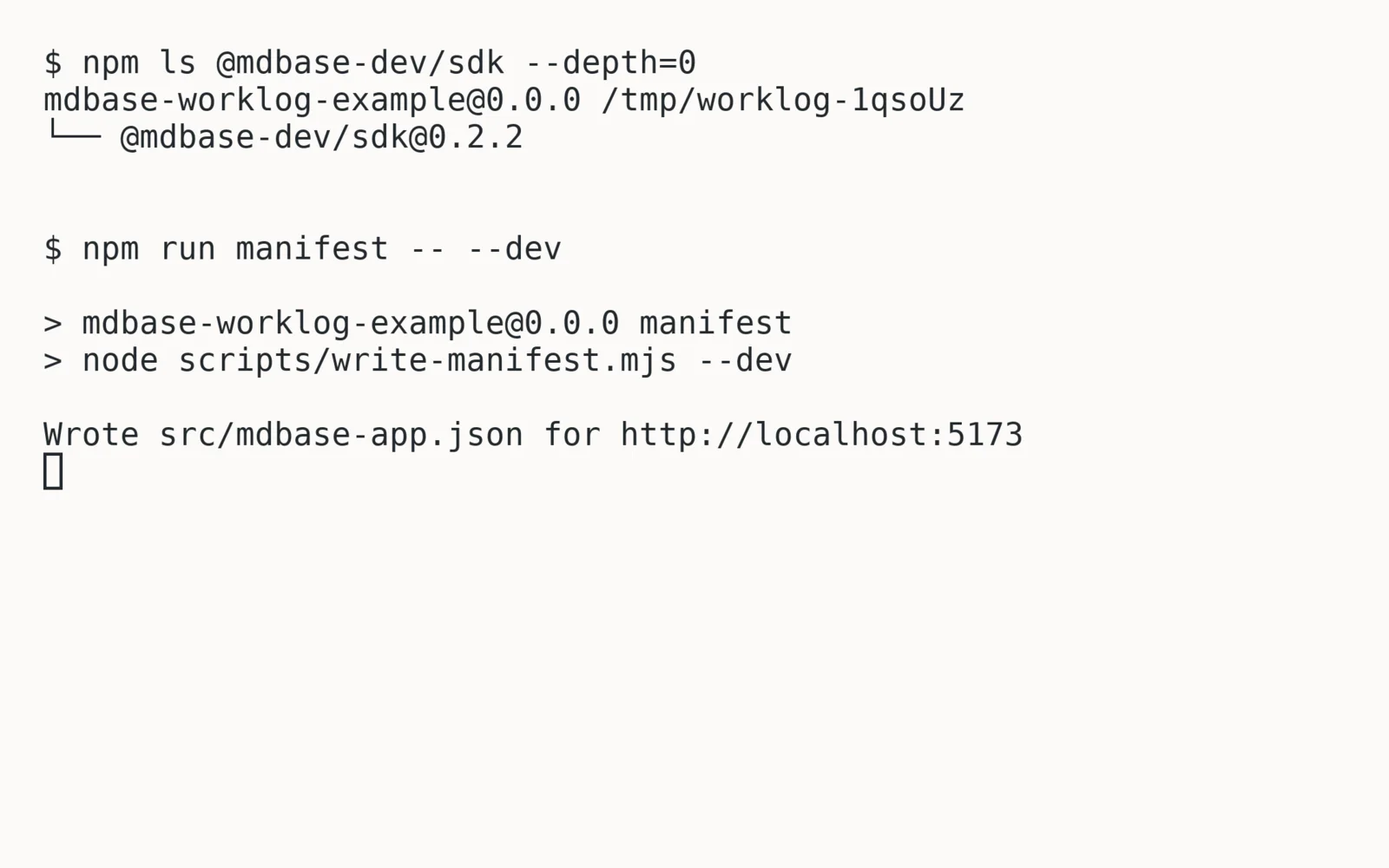
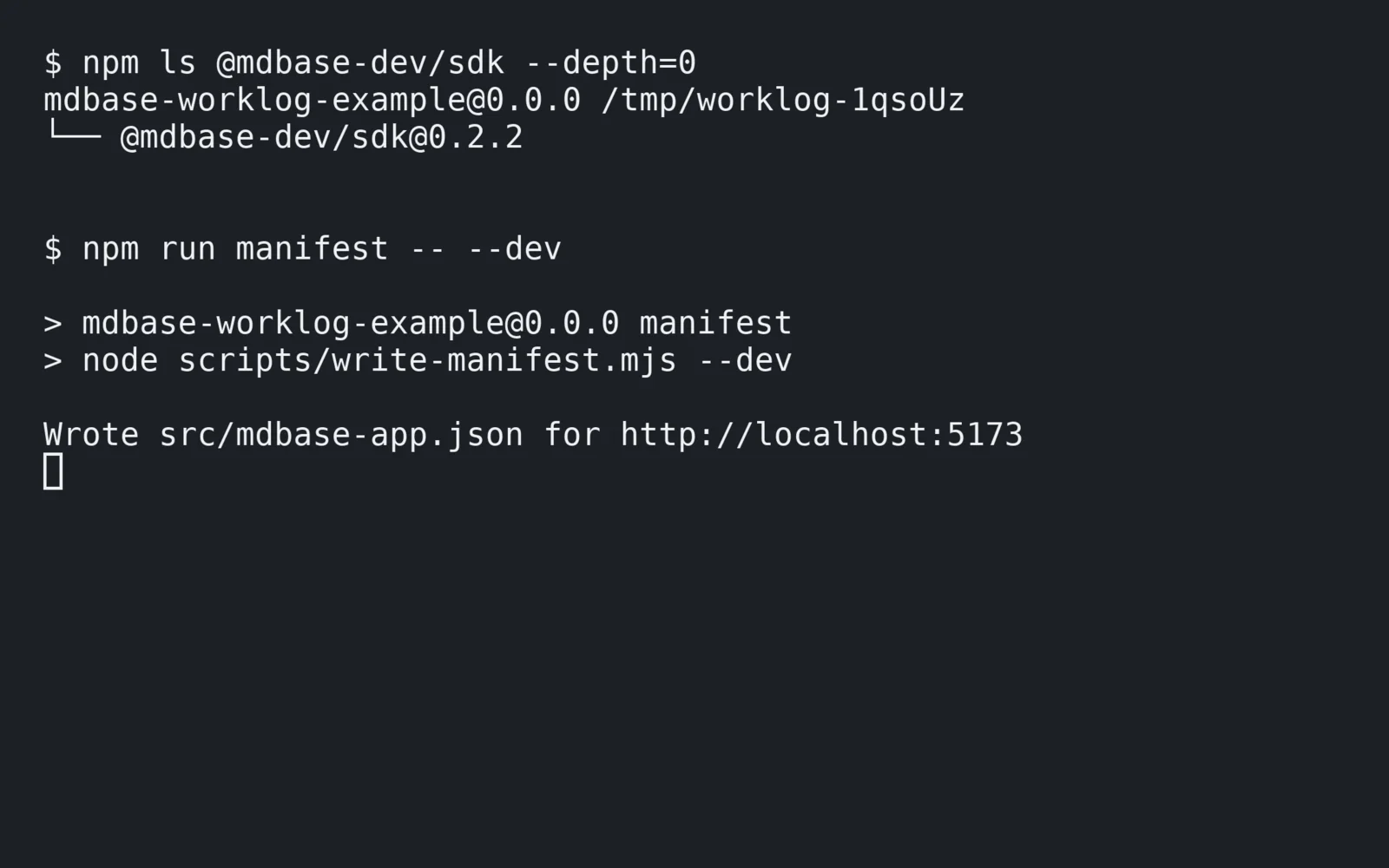
2. Save an entry and reload
Set a date, enter a summary such as “Counted shorebirds at low tide,” and enter 45 for minutes. Choose Add. The dated summary appears below the form. The list shows the summary and date. The record also holds the minutes.
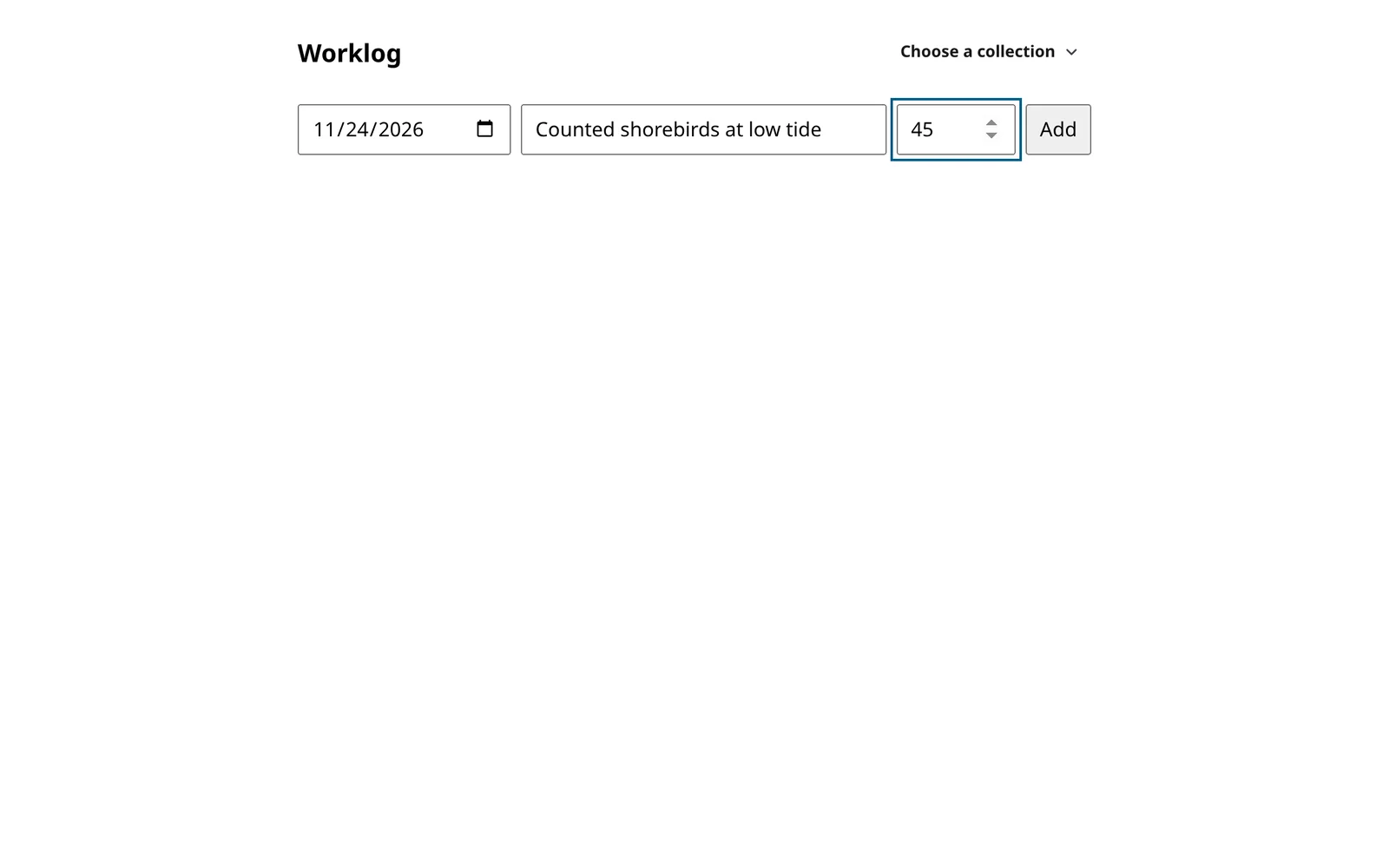
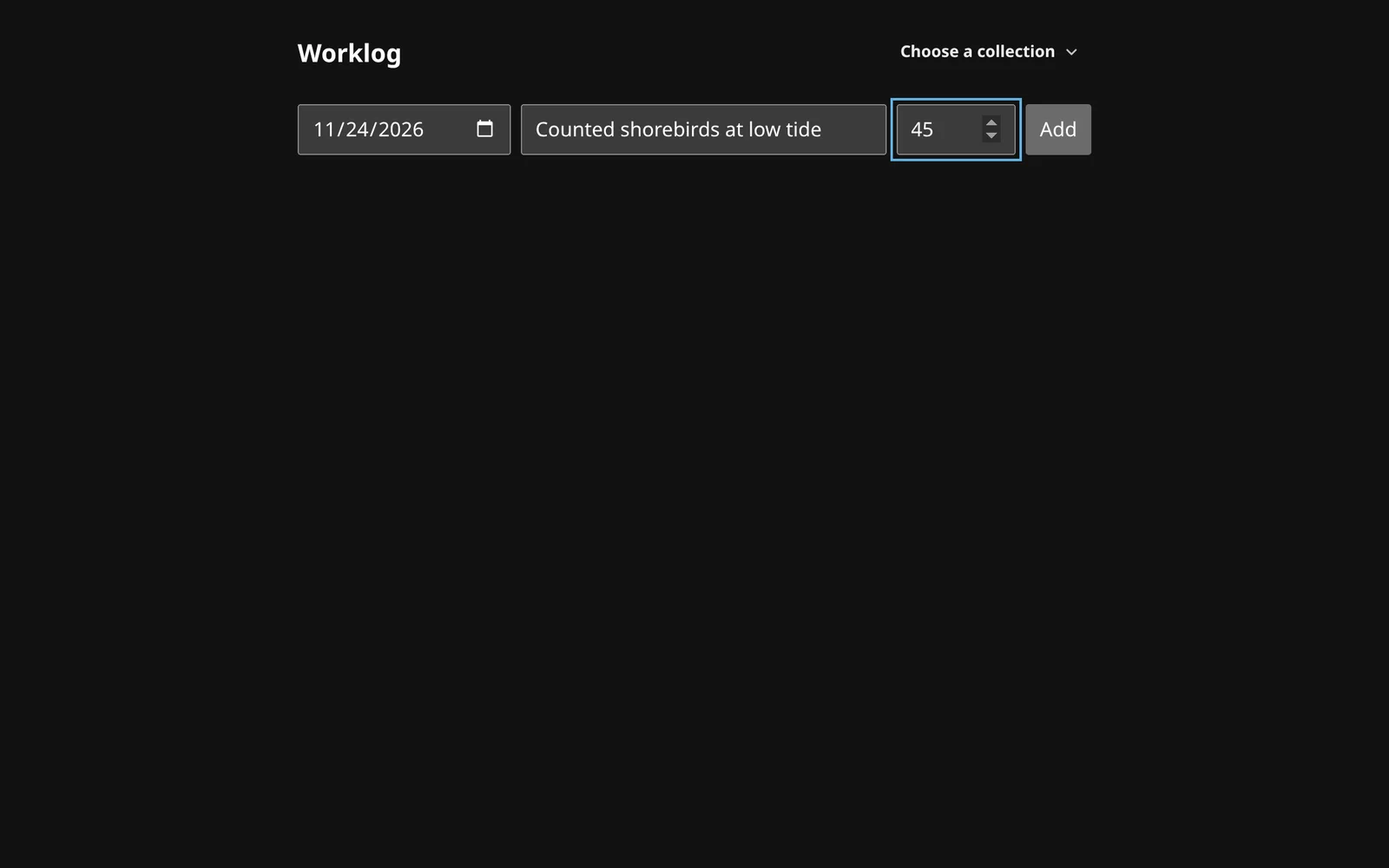
Reload the page at the same address. Your entry is still there, with Saved only in this browser above it. Clearing site data removes that local copy. A different browser profile starts with its own storage.
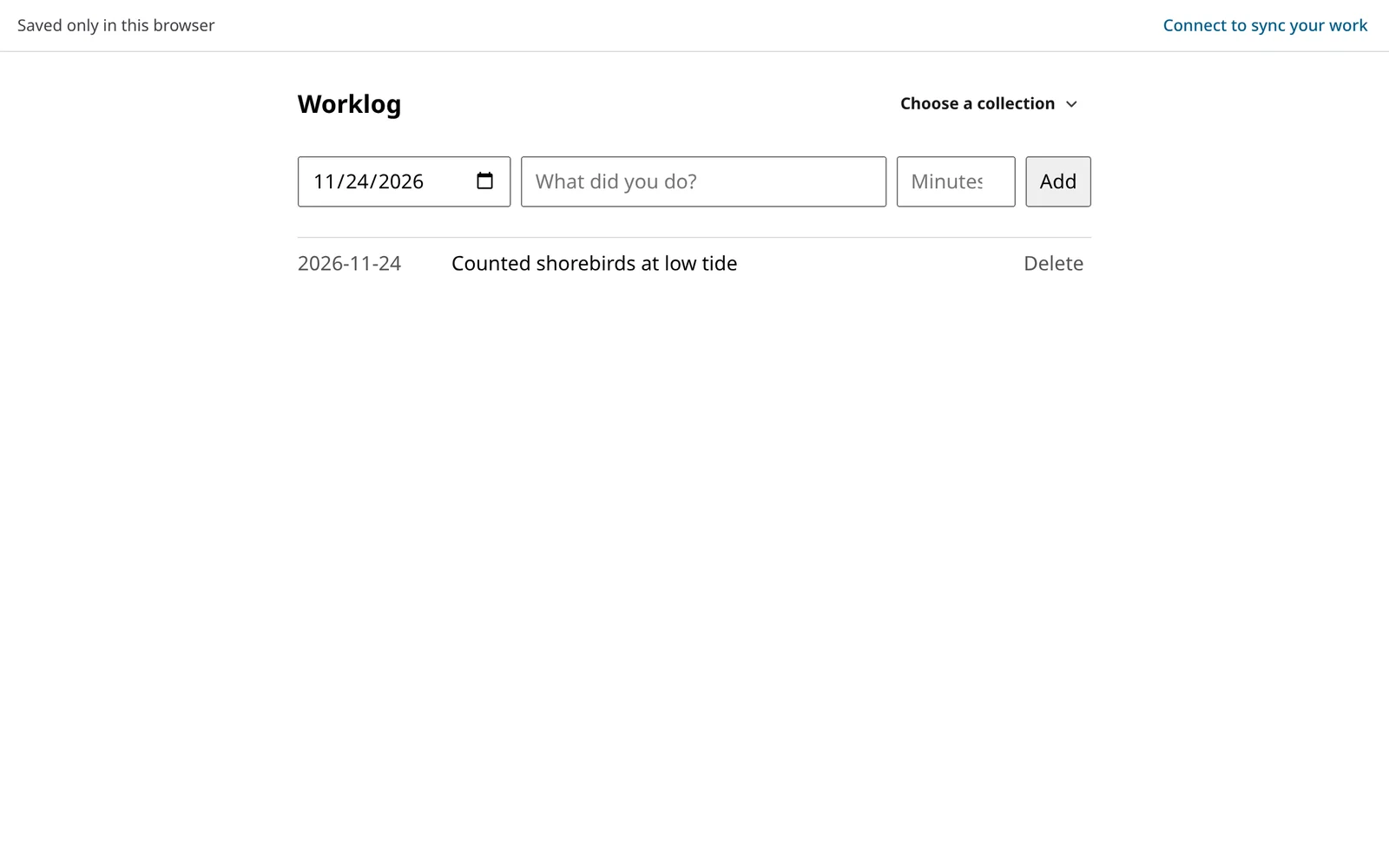
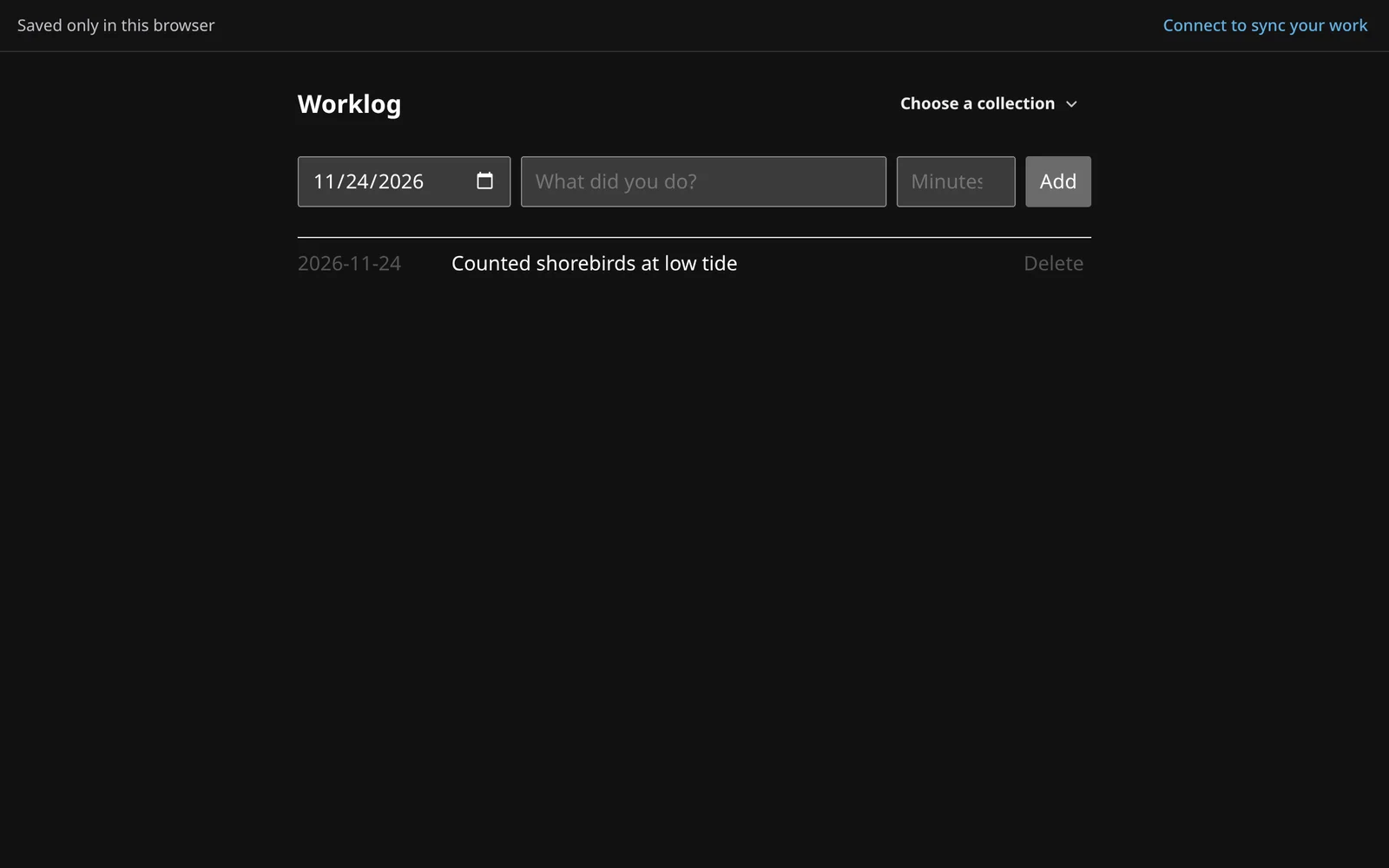
Worklog keeps an entry in the same browser across a page reload. Silent recording with on-screen captions and sample data.
Text description of the recording
- Fill in the date, summary and minutes.
- Add the entry.
- Reload Worklog at the same address.
- Find the dated summary in the list again.
3. Trace the form to a Markdown record
Open src/Worklog.tsx. The form calls db.create() with three things: the type worklog-entry, a file path and the frontmatter fields. The path includes the date and eight characters from a random UUID, so two entries on one day get different filenames. A live query for that type updates the list.
The generated path in this run was worklog/2026-11-24-c8633a7f.md. Here is the same record written to a collection folder. The browser-only app keeps the record in site storage. You won’t find a new file in the project folder when you press Add.
---
date: "2026-11-24"
minutes: 45
summary: Counted shorebirds at low tide
type: worklog-entry
---
To adapt the form, change its inputs and the frontmatter passed to db.create() together. Update mdbase/types/worklog-entry.md if you add a field that needs validation. Run npm run check to regenerate the manifest and typecheck the app. The complete example and its source files
4. Choose where your entries live
For one browser, you can keep using the app without an account. For collection storage, use Connect to sync your work. Sign in, choose a collection and review the proposed type setup and transfer of existing entries. A collection synced to a computer gives you the Markdown files there. How browser records move into a collection
To build static files, run WORKLOG_ORIGIN=https://worklog.example.com npm run build, substituting your own HTTPS origin. Vite writes the site to dist/. Choose an app ID under your own domain before publishing. The published origin has separate browser storage, so opening it won’t bring across entries saved under localhost. Manifest and origin requirements
This page is the file content/guides/local-first-web-app.md, a record in the
site’s documentation collection.
Its frontmatter follows the doc-page type.
---
title: Build a personal web app without a backend
description: Run a local-first work log with React and the mdbase SDK. Save entries in your browser, check they survive a reload and see how one maps to Markdown.
section: guides
---
You can build a personal work log as a static web app. The mdbase SDK stores entries in the browser before sign-in. If you later want the same records in a folder or on another device, Connect can sync them to a collection.
## 1. Run the working example
You need Git, npm, Node.js 24 or later and a browser. Clone the example and install its locked dependencies.
```sh title="Terminal"
git clone --depth 1 https://github.com/mdbase-dev/mdbase.dev.git
cd mdbase.dev/examples/worklog
npm ci
npm run dev
```
Open `http://localhost:5173` in your browser. Keep the hostname and port as written. The development script puts that exact address in the app’s manifest.

## 2. Save an entry and reload
Set a date, enter a summary such as “Counted shorebirds at low tide,” and enter `45` for minutes. Choose **Add**. The dated summary appears below the form. The list shows the summary and date. The record also holds the minutes.

Reload the page at the same address. Your entry is still there, with **Saved only in this browser** above it. Clearing site data removes that local copy. A different browser profile starts with its own storage.


## 3. Trace the form to a Markdown record
Open `src/Worklog.tsx`. The form calls `db.create()` with three things: the type `worklog-entry`, a file path and the frontmatter fields. The path includes the date and eight characters from a random UUID, so two entries on one day get different filenames. A live query for that type updates the list.
The generated path in this run was `worklog/2026-11-24-c8633a7f.md`. Here is the same record written to a collection folder. The browser-only app keeps the record in site storage. You won’t find a new file in the project folder when you press **Add**.
```markdown title="worklog/2026-11-24-c8633a7f.md"
---
date: "2026-11-24"
minutes: 45
summary: Counted shorebirds at low tide
type: worklog-entry
---
```
To adapt the form, change its inputs and the frontmatter passed to `db.create()` together. Update `mdbase/types/worklog-entry.md` if you add a field that needs validation. Run `npm run check` to regenerate the manifest and typecheck the app. [The complete example and its source files](/sdk/connect-quickstart/)
## 4. Choose where your entries live
For one browser, you can keep using the app without an account. For collection storage, use **Connect to sync your work**. Sign in, choose a collection and review the proposed type setup and transfer of existing entries. A collection synced to a computer gives you the Markdown files there. [How browser records move into a collection](/sdk/unsynced/#transfer)
To build static files, run `WORKLOG_ORIGIN=https://worklog.example.com npm run build`, substituting your own HTTPS origin. Vite writes the site to `dist/`. Choose an app ID under your own domain before publishing. The published origin has separate browser storage, so opening it won’t bring across entries saved under localhost. [Manifest and origin requirements](/sdk/local-development/)