Export Readwise highlights to Markdown
Import a Readwise library into mdbase Reader. Each highlight becomes a Markdown note linked to its source, with your quote and comment together.Use Reader’s experimental importer with a fresh collection first. You need a Readwise account with API access, an mdbase account and a destination folder synced through mdbase Connect. Keep the import tab open.
1. Choose what to bring
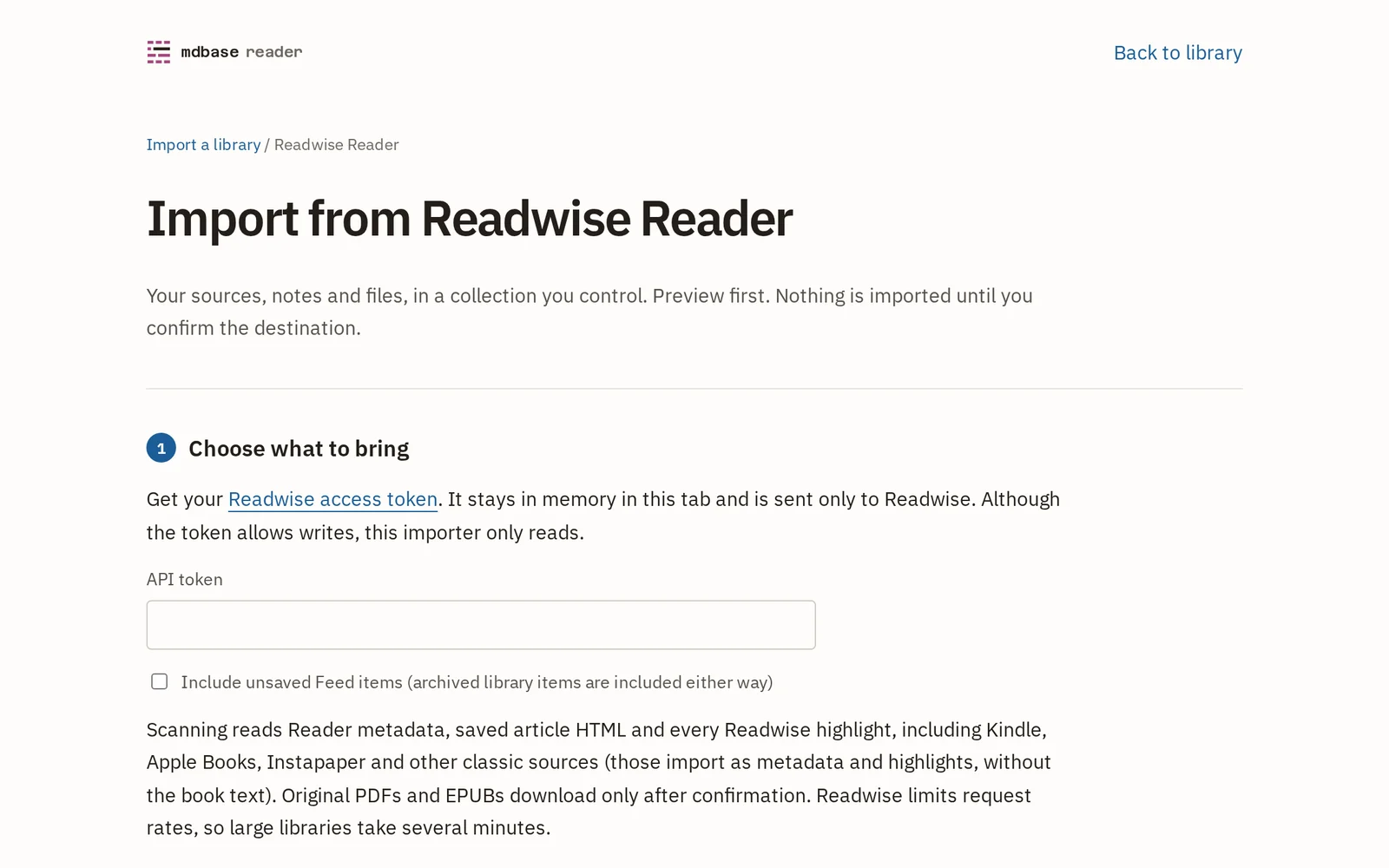
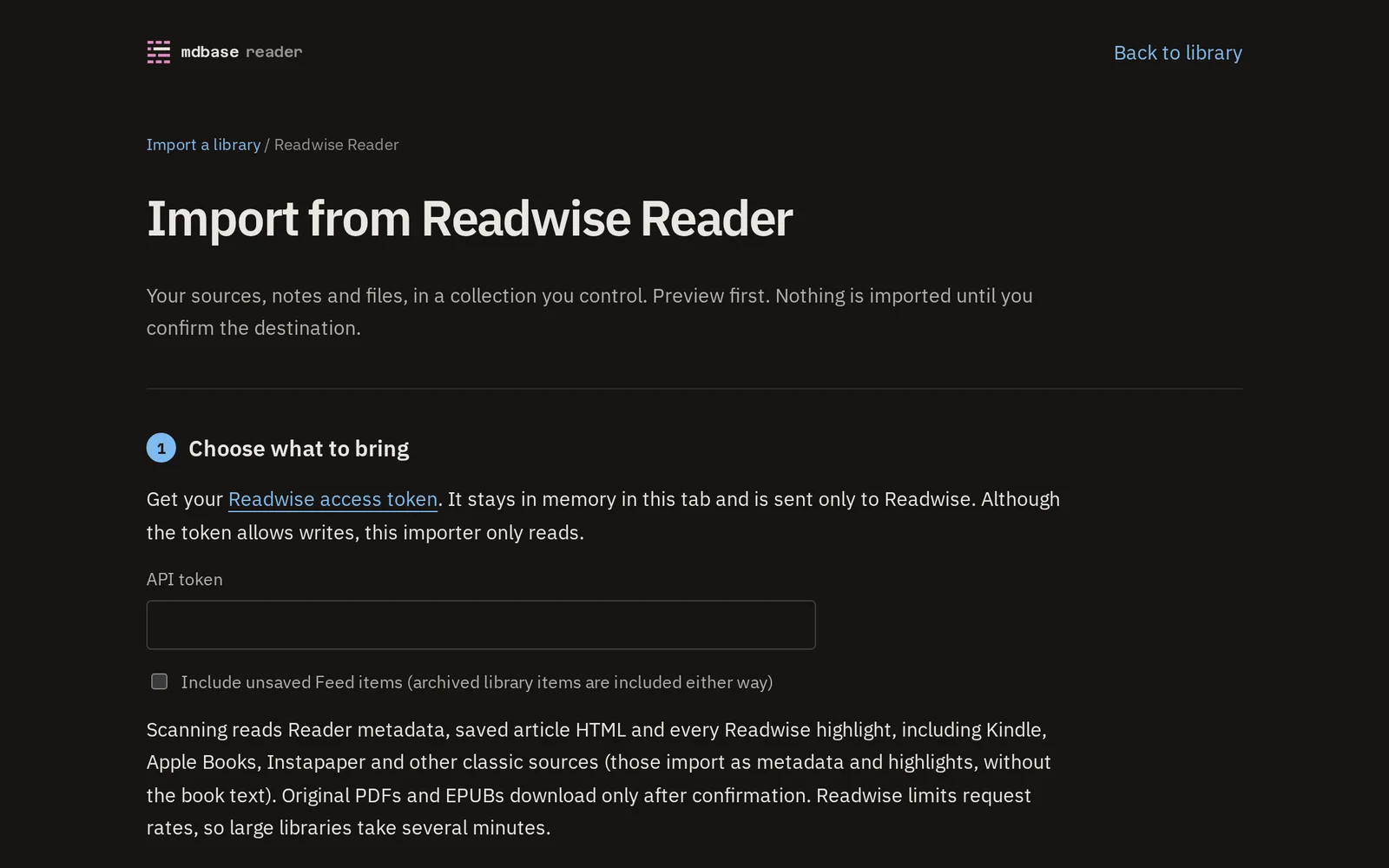
Open Import from Readwise Reader. Get your token from Readwise and paste it into API token. The token stays in this tab and goes only to Readwise. Reader uses it to read your library.
Leave Include unsaved Feed items off to import just your saved library and classic highlights. Archived library items are included either way. Choose Scan Readwise library. The scan can take several minutes.
2. Check the preview
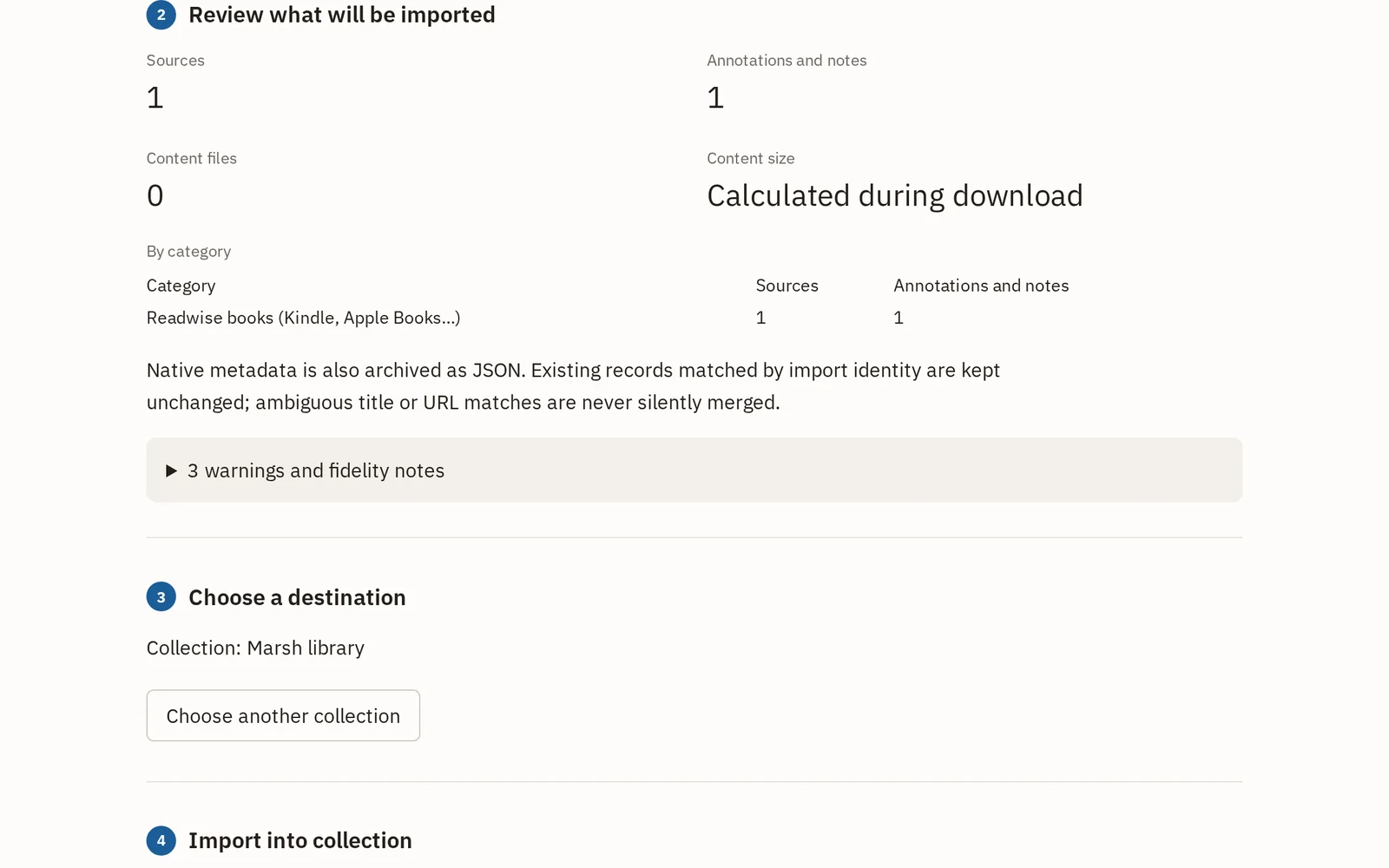
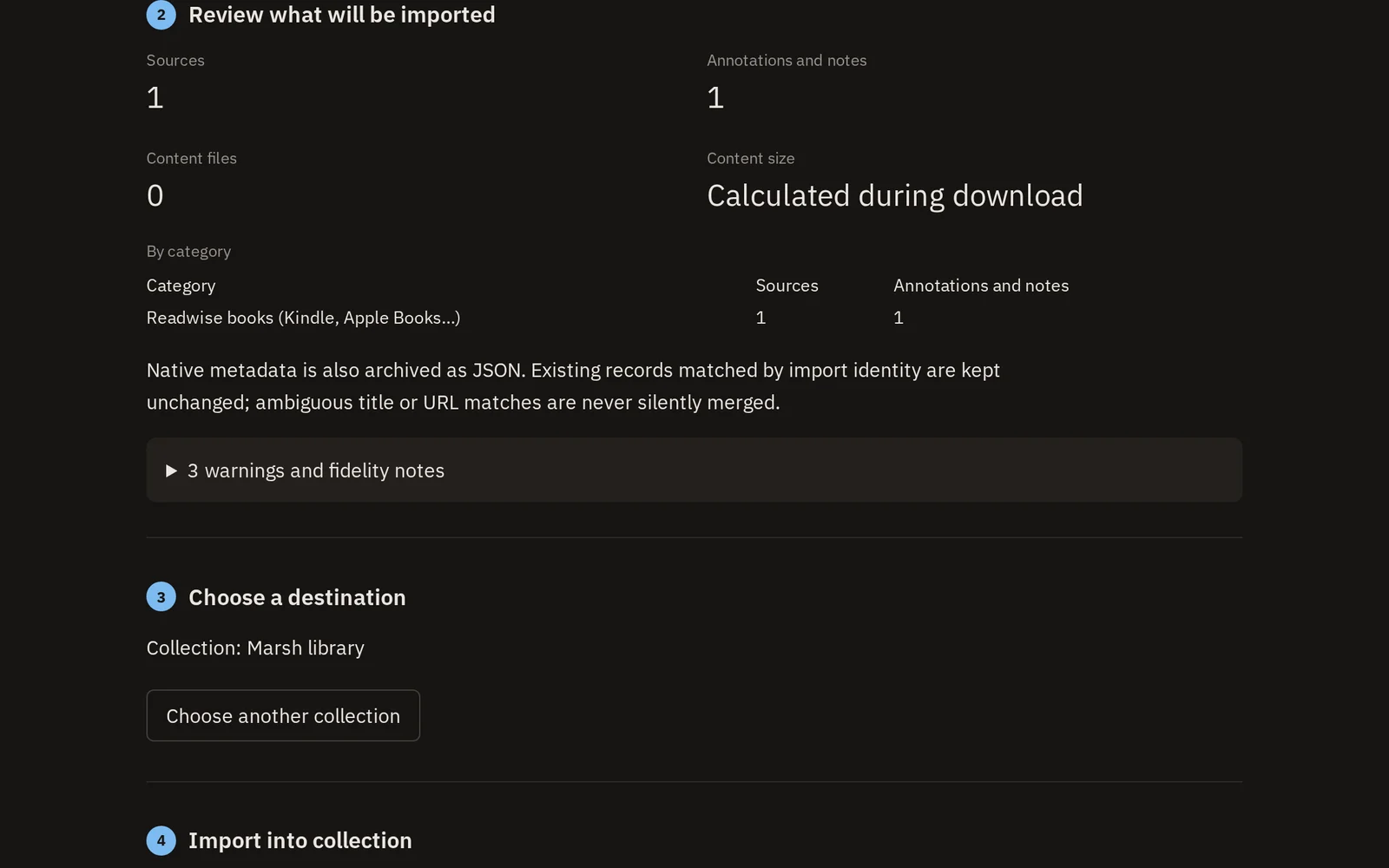
Compare the counts for sources, annotations and files. Expand the warnings under the category table. A Kindle book in classic Readwise supplies metadata and highlights. Its full text does not come across. Reader documents can bring saved article HTML, PDFs or EPUBs. Original PDFs and EPUBs download after confirmation.
3. Import into your collection
Choose the destination collection. If Reader asks to install its types, review them and select Apply reviewed setup. Choose Check destination, read the numbers of new and existing records, then choose Import on the button naming your collection.
When the import finishes, review its warnings and choose Open imported collection. To pause a large job, use Stop safely. Use Resume import in the same destination. After reloading the page, reconnect Readwise and scan again. Existing records matched by import identity keep their contents.
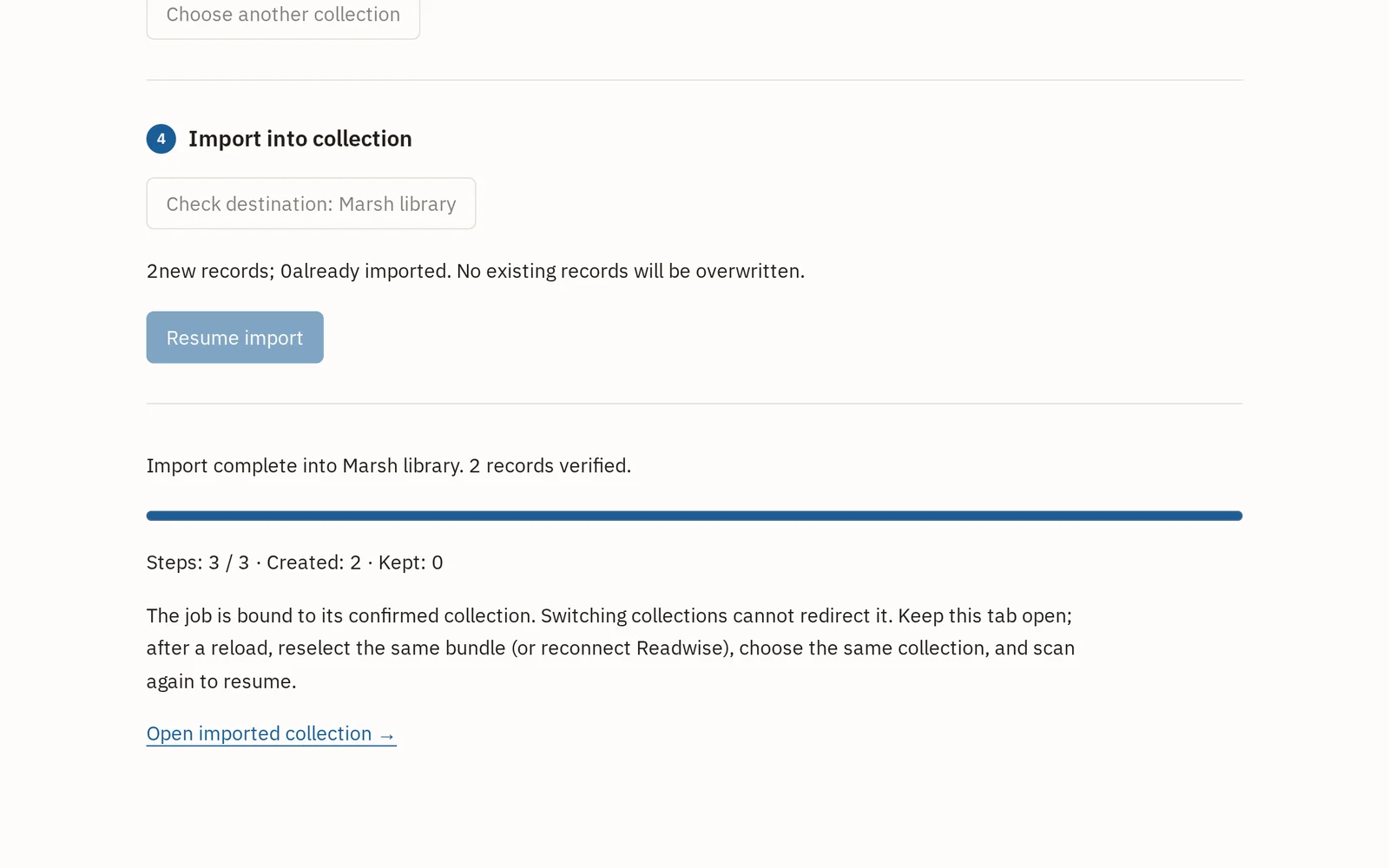
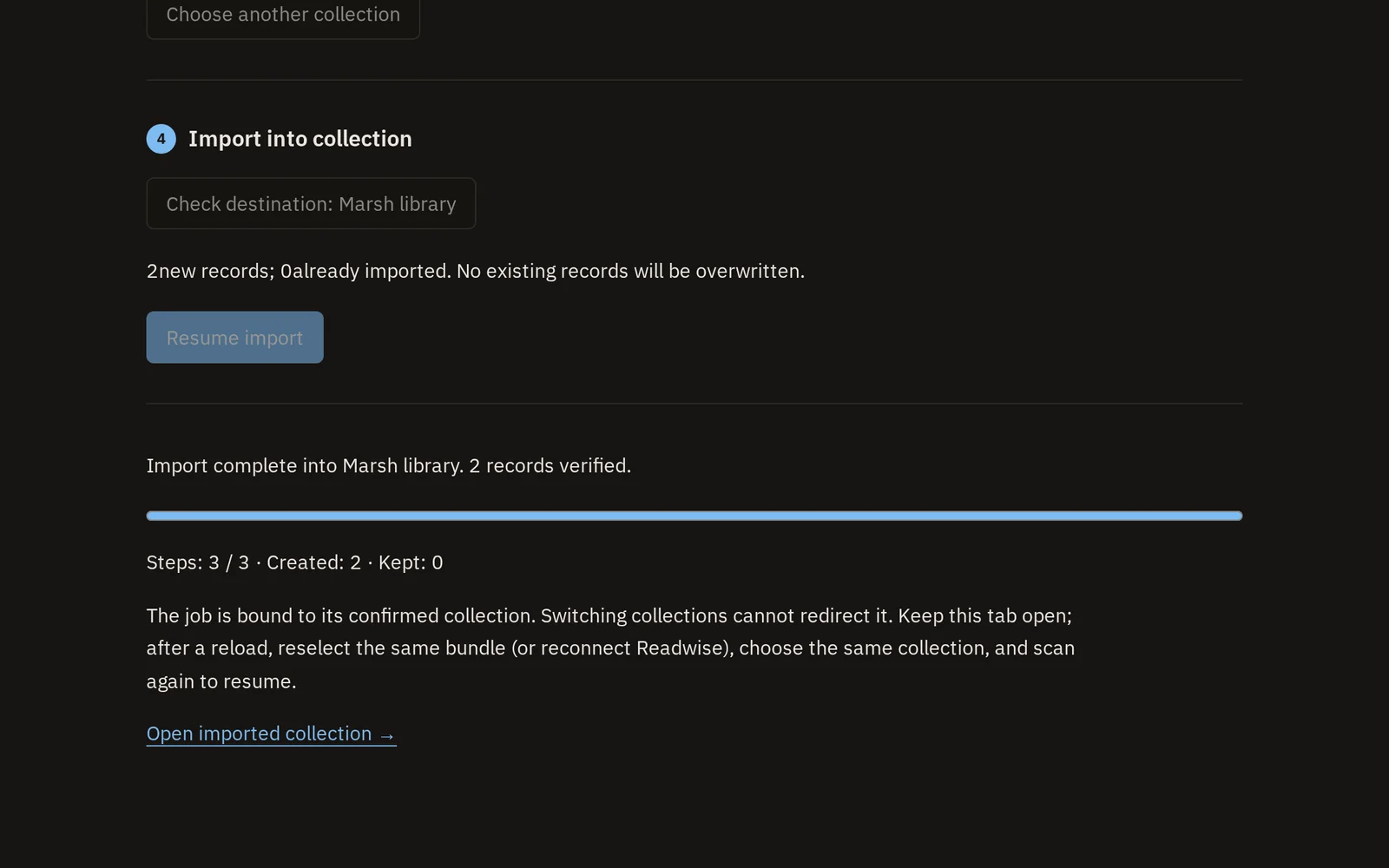
Check the record counts before importing into Marsh library. Silent recording with on-screen captions and sample data.
Text description of the recording
- Reader shows a preview of the sample library.
- Check destination counts new and previously imported records.
- The import button names Marsh library. Selecting it confirms the job.
- Reader verifies the created records and offers to open the imported collection.
4. Open a highlight on disk
Open the synced folder on your computer. The starter layout puts each book or article in sources/ and its individual highlights in annotations/. A highlight records its source link in the properties. Its body keeps the quotation and your comment. This sample is from a classic book with a highlight at location 42.
---
annotation_type: highlight
color: yellow
created_at: "2026-03-08T09:15:00.000Z"
created_by: readwise
id: ann_d500f2f77ecda2a76edb74faf3ce7ab4
import:
  key: v2:82016
  namespace: readwise:reader
  native:
    color: yellow
    created_at: "2026-03-08T09:15:00Z"
    id: 82016
    location: 42
    location_type: location
    note: Check the east bank after low tide.
    text: The marsh drains from its creeks first.
  service: readwise
  supplemental: {}
locator:
  label: location 42
source: "[[src_294663b42fbc2fca4ee3418f038f291b]]"
tags: []
target:
  quote:
    exact: The marsh drains from its creeks first.
type: reader-annotation
---
> The marsh drains from its creeks first.

Check the east bank after low tide.
Content files and the import’s metadata archive live under files/reader/imports/. To work with the notes after import, see Reader’s collection layout and notes and citations.
This page is the file content/guides/readwise-markdown.md, a record in the
site’s documentation collection.
Its frontmatter follows the doc-page type.
---
title: Export Readwise highlights to Markdown
description: Import a Readwise library into mdbase Reader. Each highlight becomes a Markdown note linked to its source, with your quote and comment together.
section: guides
---
Use Reader’s experimental importer with a fresh collection first. You need a Readwise account with API access, an mdbase account and a destination folder synced through [mdbase Connect](/connect/). Keep the import tab open.
## 1. Choose what to bring
Open [Import from Readwise Reader](https://reader.mdbase.dev/import/readwise). Get your token from [Readwise](https://readwise.io/access_token) and paste it into **API token**. The token stays in this tab and goes only to Readwise. Reader uses it to read your library.
Leave **Include unsaved Feed items** off to import just your saved library and classic highlights. Archived library items are included either way. Choose **Scan Readwise library**. The scan can take several minutes.

## 2. Check the preview
Compare the counts for sources, annotations and files. Expand the warnings under the category table. A Kindle book in classic Readwise supplies metadata and highlights. Its full text does not come across. Reader documents can bring saved article HTML, PDFs or EPUBs. Original PDFs and EPUBs download after confirmation.

## 3. Import into your collection
Choose the destination collection. If Reader asks to install its types, review them and select **Apply reviewed setup**. Choose **Check destination**, read the numbers of new and existing records, then choose **Import** on the button naming your collection.
When the import finishes, review its warnings and choose **Open imported collection**. To pause a large job, use **Stop safely**. Use **Resume import** in the same destination. After reloading the page, reconnect Readwise and scan again. Existing records matched by import identity keep their contents.


## 4. Open a highlight on disk
Open the synced folder on your computer. The starter layout puts each book or article in `sources/` and its individual highlights in `annotations/`. A highlight records its source link in the properties. Its body keeps the quotation and your comment. This sample is from a classic book with a highlight at location 42.
```markdown title="annotations/imports/ann_d500f2f77ecda2a76edb74faf3ce7ab4.md"
---
annotation_type: highlight
color: yellow
created_at: "2026-03-08T09:15:00.000Z"
created_by: readwise
id: ann_d500f2f77ecda2a76edb74faf3ce7ab4
import:
key: v2:82016
namespace: readwise:reader
native:
color: yellow
created_at: "2026-03-08T09:15:00Z"
id: 82016
location: 42
location_type: location
note: Check the east bank after low tide.
text: The marsh drains from its creeks first.
service: readwise
supplemental: {}
locator:
label: location 42
source: "[[src_294663b42fbc2fca4ee3418f038f291b]]"
tags: []
target:
quote:
exact: The marsh drains from its creeks first.
type: reader-annotation
---
> The marsh drains from its creeks first.
Check the east bank after low tide.
```
Content files and the import’s metadata archive live under `files/reader/imports/`. To work with the notes after import, see [Reader’s collection layout](/apps/reader/data/) and [notes and citations](/apps/reader/notes/).